Give Your Team Their Hours Back With AI Automation
Your team shouldn’t spend the day re-typing, sorting and chasing. Nexora builds the workflows that read, decide and act across the tools you already use — and ask a person when it matters.
See the example build ↓ Illustrative demo
Leads wait hours for a reply because someone has to read, sort and respond manually.
- The problem
Leads wait for a reply because someone has to read and sort every message first.
- The frustration
The same data gets re-typed between forms, inboxes, spreadsheets and your CRM — and rule-based automations break the moment an email doesn’t match the template.
- The possibility
Imagine routine intake, follow-up and reporting running reliably in the background, with AI handling the steps that need judgement and your team handling the exceptions.
What you get from AI automation.
Faster first replies
Inquiries are read, sorted and routed the moment they arrive, so the right person sees them sooner.
Less re-typing
Data moves between your forms, inbox, CRM and calendar without copy-and-paste.
Judgement where it counts
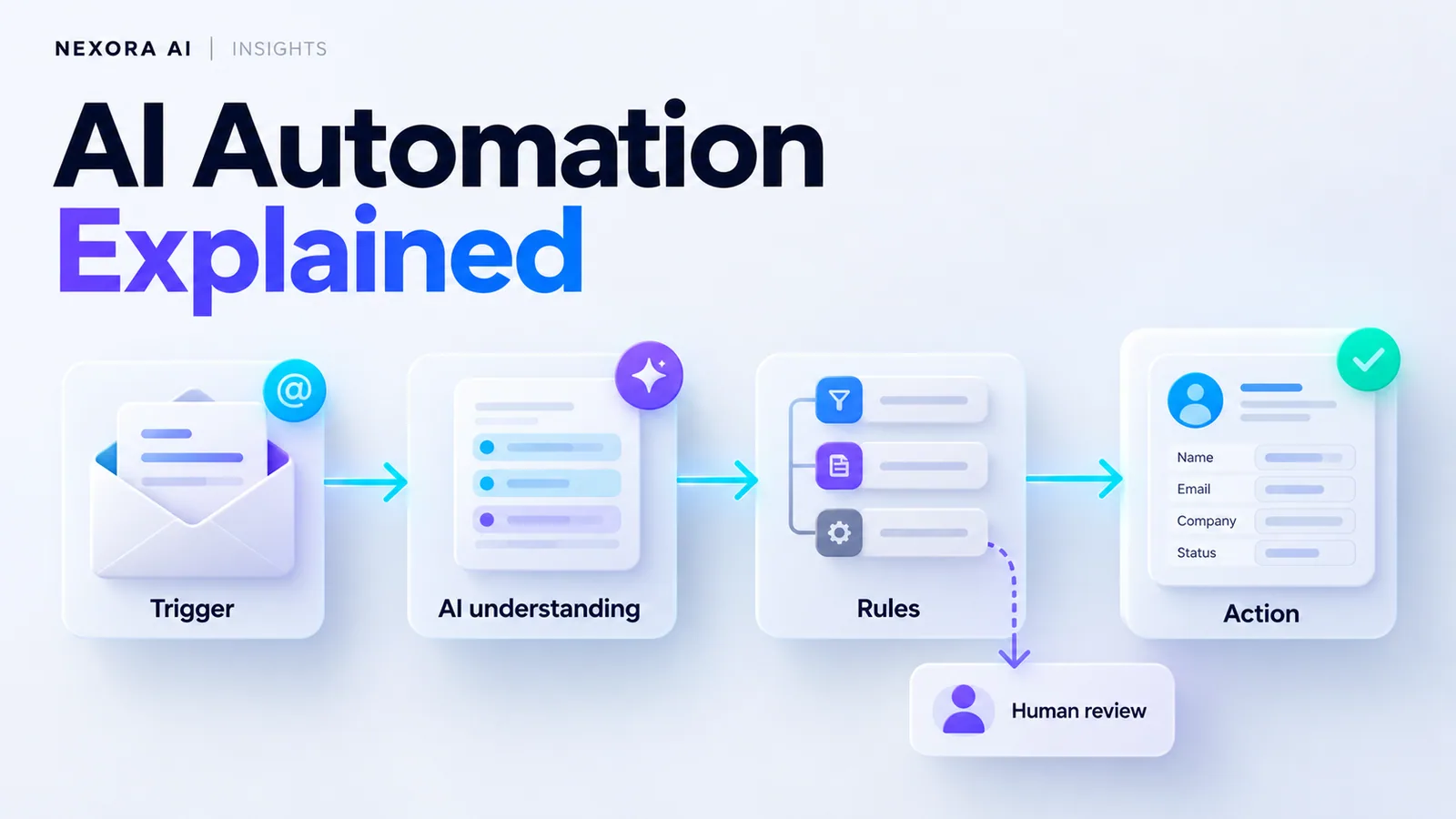
AI classifies, extracts and drafts; uncertain cases go to a human-review path instead of guessing.
Visible and monitored
Every automation ships with logging, error alerts and a run history, so nothing fails silently.
What we build, and how.
We map the process, decide where AI adds value and where simple rules are safer, then build a monitored workflow connected to your existing tools. Every automation ships with logging, error alerts and a human-review path for edge cases.
- 01
Map the process
We write down how the work really flows today — exceptions included — and decide where AI adds value and where simple rules are safer.
- 02
Build and connect
We build the workflow and connect your CRM, email and calendar, with a human-review step for edge cases.
- 03
Launch and hand over
You get error alerts, documentation and a recorded walkthrough. Ongoing support is optional.
- Reading, sorting and routing inbound inquiries
- Pulling fields from documents into your CRM or accounting tool
- Drafting first replies for a person to approve
- Weekly reporting assembled from several tools
- n8n, Make or custom code — whichever is more maintainable for your case
- AI classification, extraction and drafting steps
- CRM, email and calendar integrations
- Logging, alerts and human-approval steps
- Process map & automation spec
- Workflow build (n8n, Make, or custom code)
- AI classification / extraction steps
- CRM, email & calendar integrations
- Error handling, logs & alerts
- Handover docs and a recorded walkthrough
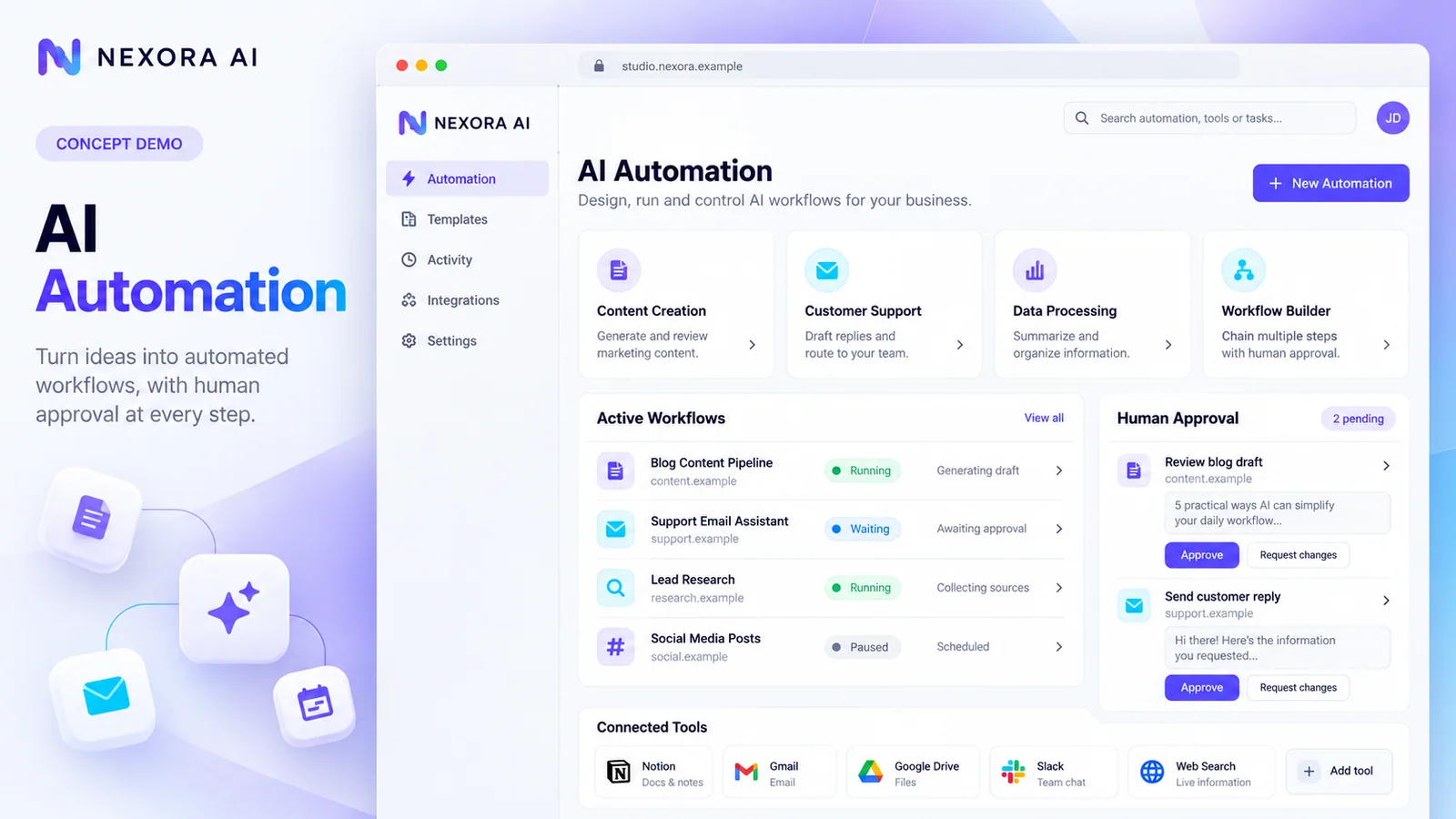
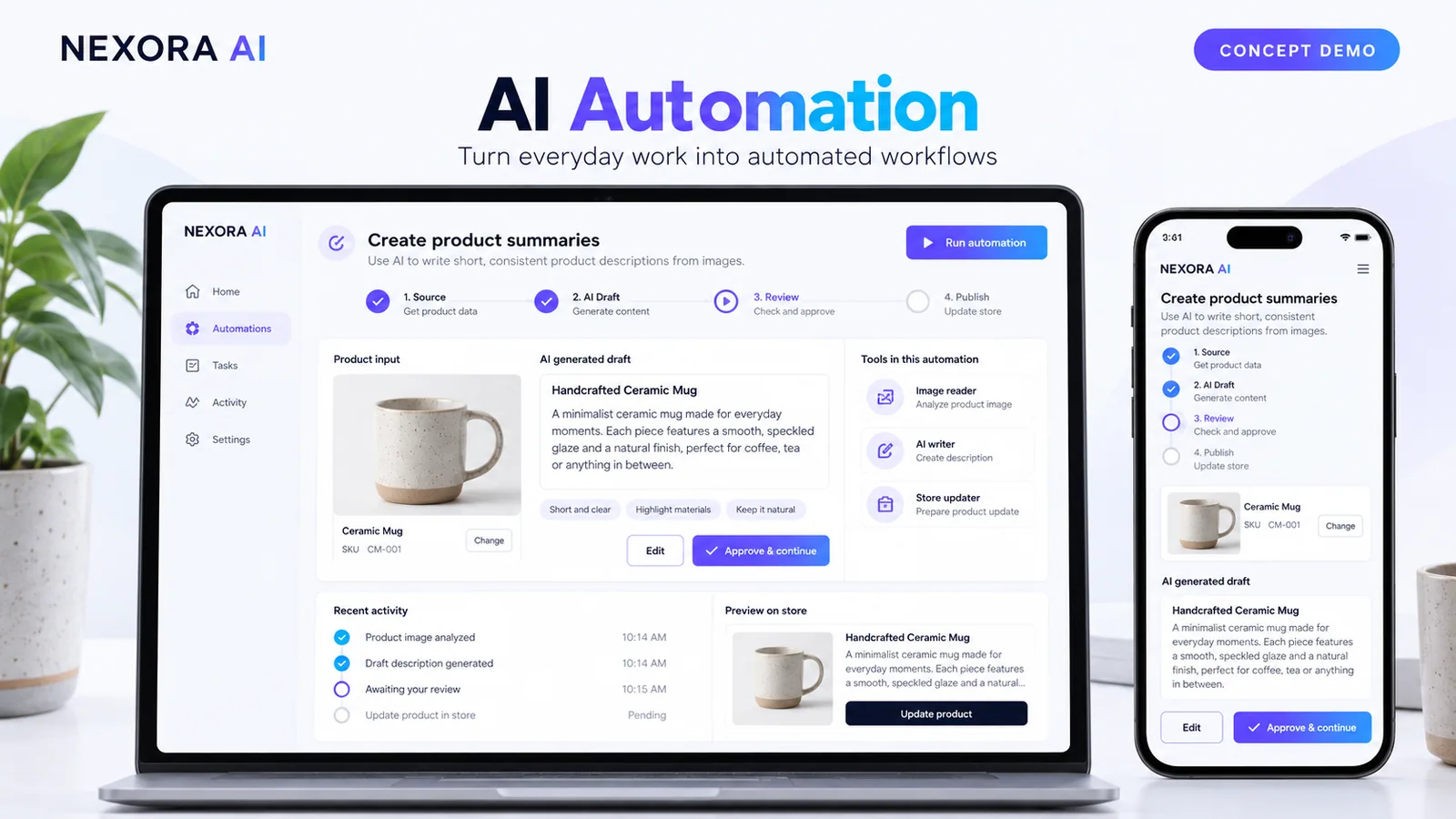
Inside an example AI automation build.
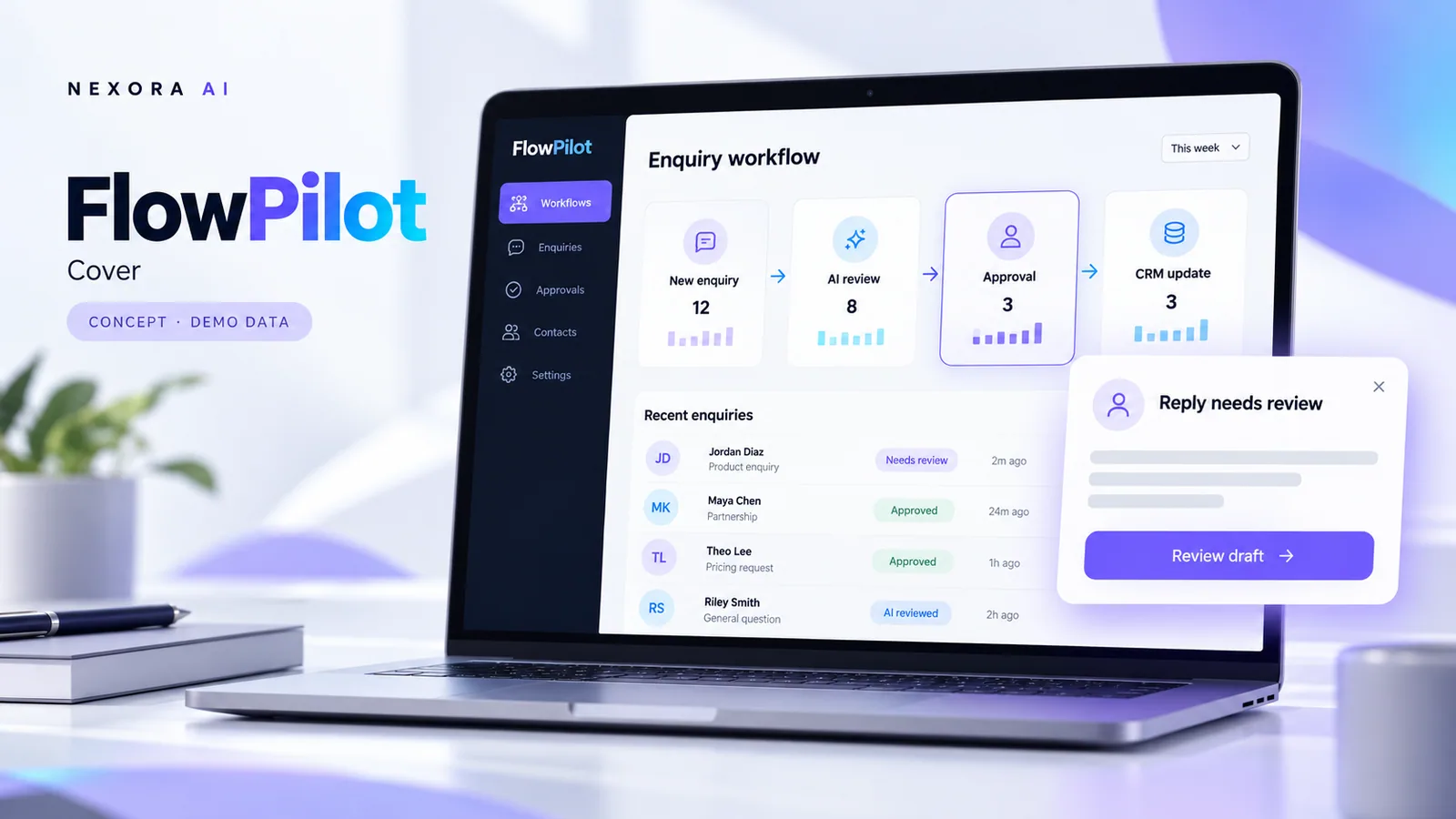
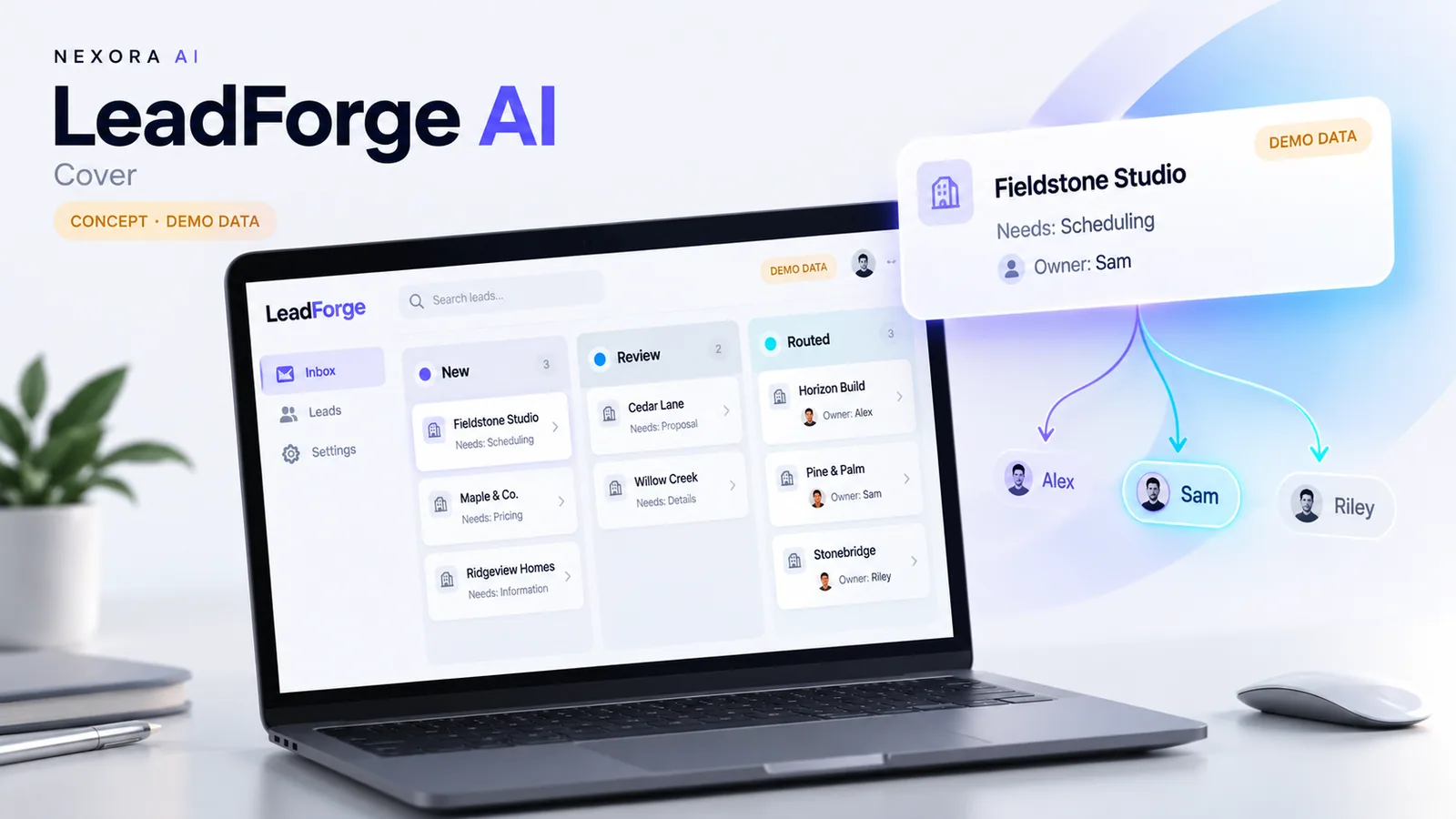
Illustrative Demo — fictional concept interfaces with sample data, built to show what we deliver. They are not client work.
Scope first. Fixed price. Then build.
- 01
Tell Us What You Need
Pick a service and answer a few questions about your business, tools and goals.
- 02
Get Your Estimate
See an indicative price range and delivery window instantly — before you share contact details.
- 03
Confirm Scope & Fixed Quote
We review requirements with you and return a written scope with a fixed price.
- 04
We Build & Test
Engineers build in milestones. Every release is reviewed and tested by a human before you see it.
- 05
Review & Launch
You review on a staging environment, request revisions, then we deploy to production.
- 06
Optional Ongoing Support
Monitoring, maintenance and continuous improvement — only if you want it.
See the approach in practice.
A clear scope first. A fixed price after.
We don’t publish list prices because every project differs. You see an indicative range in the estimator first, with no contact details needed, then a written scope and fixed price once we’ve reviewed your requirements.
From a single workflow to a connected set of automations across a team.
Optional ongoing support is quoted separately, only if you want it.
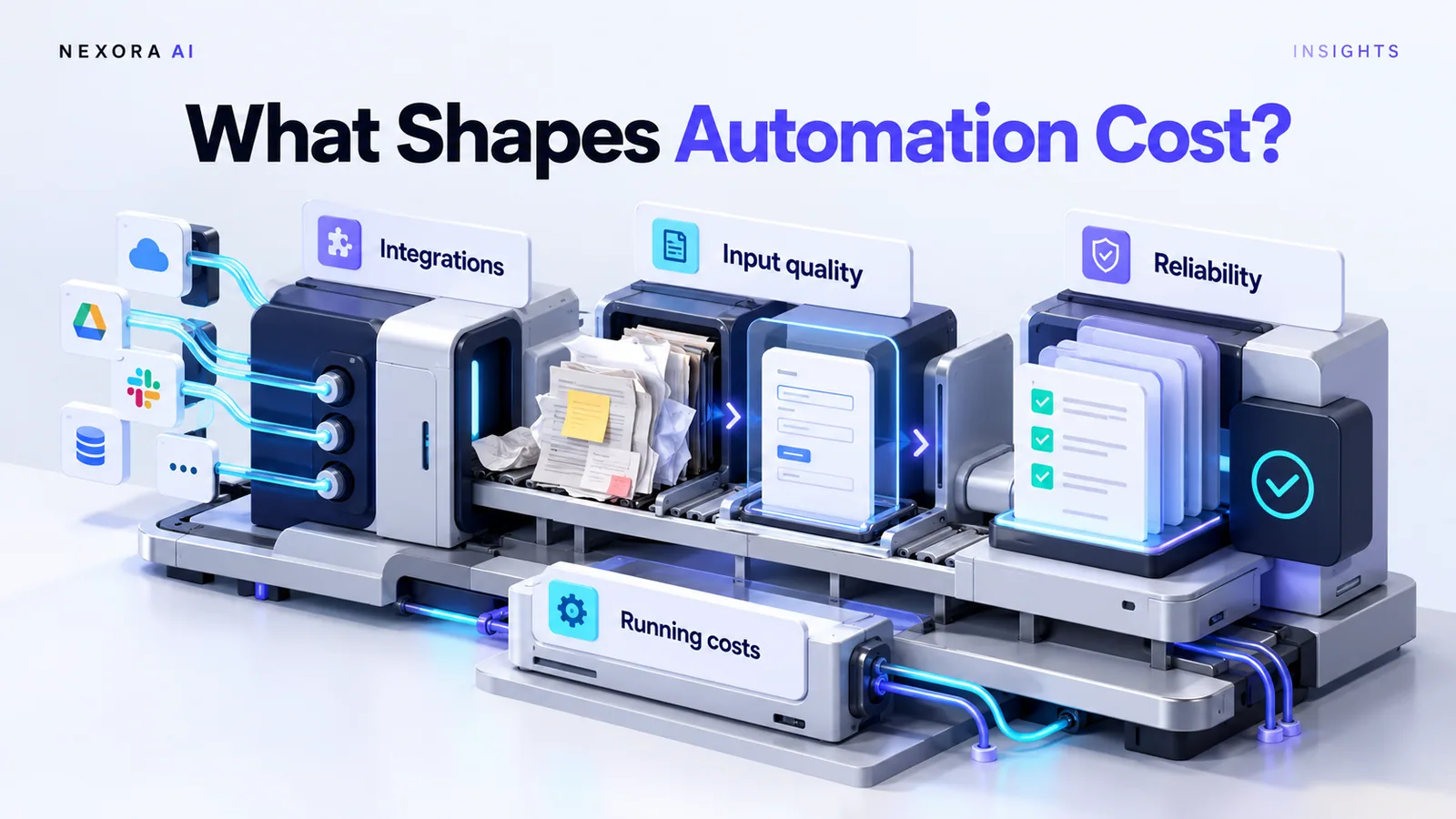
What shapes your quote
- How many workflows and integrations are involved
- How much judgement each step needs from AI
- Whether you need human approval and a runs dashboard
What’s included
- Process map and automation spec
- Workflow build and integrations
- Error handling, logs and alerts
- Handover docs and walkthrough
AI model, hosting and platform subscriptions are billed by those providers to your own accounts and are not part of the build estimate.
Typical scope options.
Single Workflow
Scope option · price shown in the estimator
- One process, up to 2 integrations
- AI step for classify / extract / draft
- Error alerts
- 14 days post-launch support
Operations Pack
Most chosenScope option · price shown in the estimator
- Up to 3 connected workflows
- Up to 5 integrations
- Human-approval step
- Dashboard of runs & failures
Automation Program
Scope option · price shown in the estimator
- Multi-department roadmap
- Custom code where no-code falls short
- Monitoring & runbooks
- Team training session
Get your indicative price in minutes.
Answer a few questions to see an indicative range for your project. Contact details are only needed if you want an exact quote.
What happens next.
Get Your Estimate
See an indicative price range and delivery window instantly — before you share contact details.
Confirm Scope & Fixed Quote
We review requirements with you and return a written scope with a fixed price.
We Build & Test
Engineers build in milestones. Every release is reviewed and tested by a human before you see it.
Review & Launch
You review on a staging environment, request revisions, then we deploy to production.
Questions we're asked about AI automation.
- AI Agent DevelopmentGoal-driven agents that use your tools to answer, qualify, schedule and resolve.Typical delivery: 5–10 business days
- MCP & API IntegrationsConnect AI assistants and agents to your data and systems — securely.Typical delivery: 3–7 business days
- Custom AI DevelopmentBespoke AI features, pipelines and internal tools for problems off-the-shelf tools can't solve.Typical delivery: Scope dependent
Ready to scope your AI automation project?
Tell us what you want to build. You’ll see an indicative range first; we confirm a fixed price once the scope is clear, and you own everything we build.